
Table of Contents
- Logging in WHM
Open the browser then go to “whm.partopia.ca” and login

Click ‘ list accounts ‘

Create a new account (for new domains)

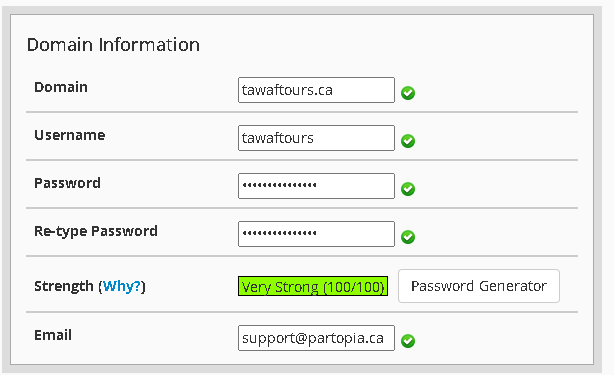
Fill all columns
- Domain
- Username (make one that matches the domain)
- Password (make one that matches the domain)
- Email (support@partopia.ca)
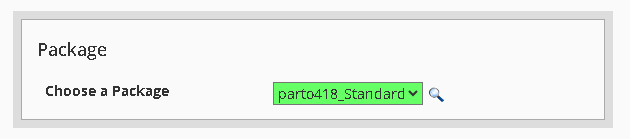
Next, choose the default package and click “Create”
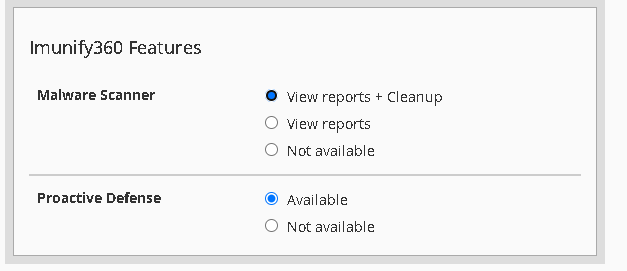
Next, Click ’View reports + Cleanup‘ under Malware Scanner and then scroll to the bottom and click “Create”.
Finally, choose the account you just created from from the list and Click the cP (Cpanel) logo

In the cPanel:
- Choose email account
- Click Create, and make one that matches the domain (ex: info@domain.ca)
- Set password
- Save the details
Installing WordPress:
- Click on WordPress manager.

- Follow the instructions in the video.


