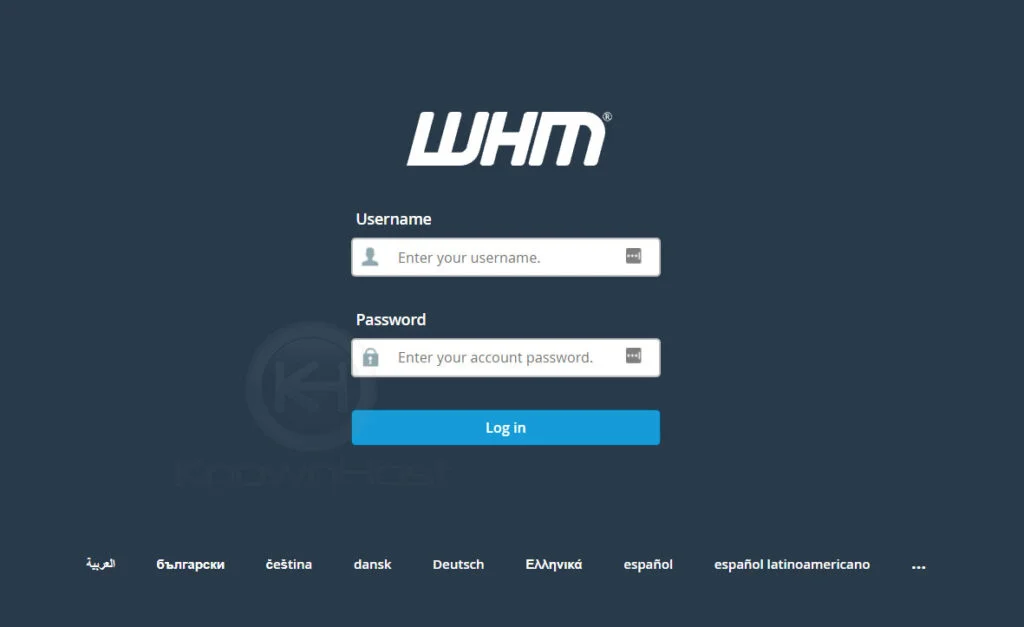
1. First, login into WHM panel,
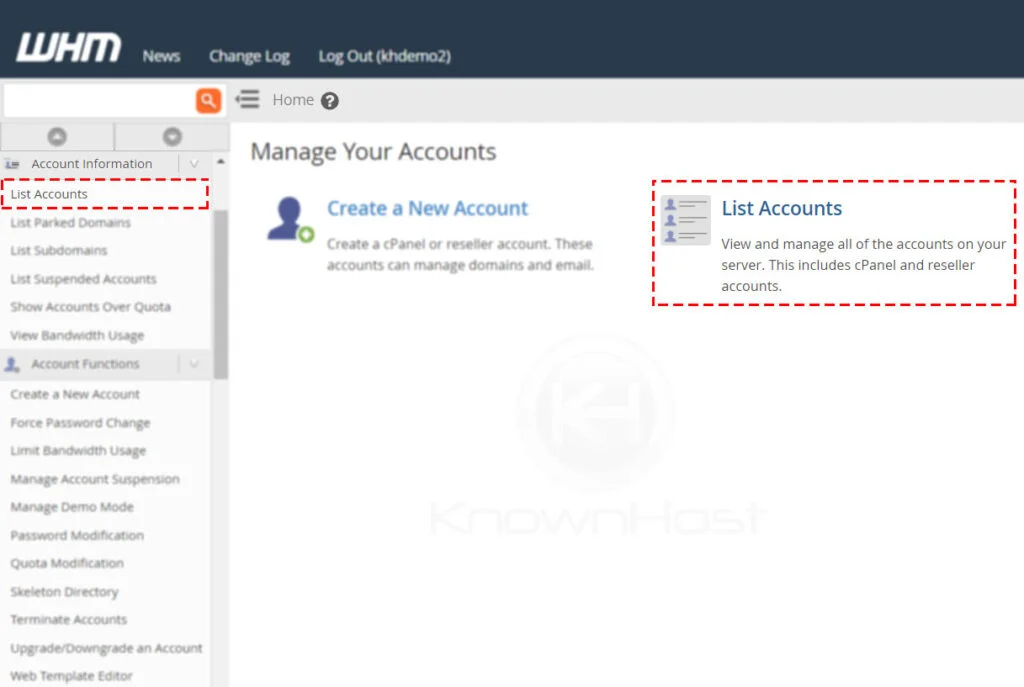
2. Navigate to Account Information → List Account or Home → List Account.
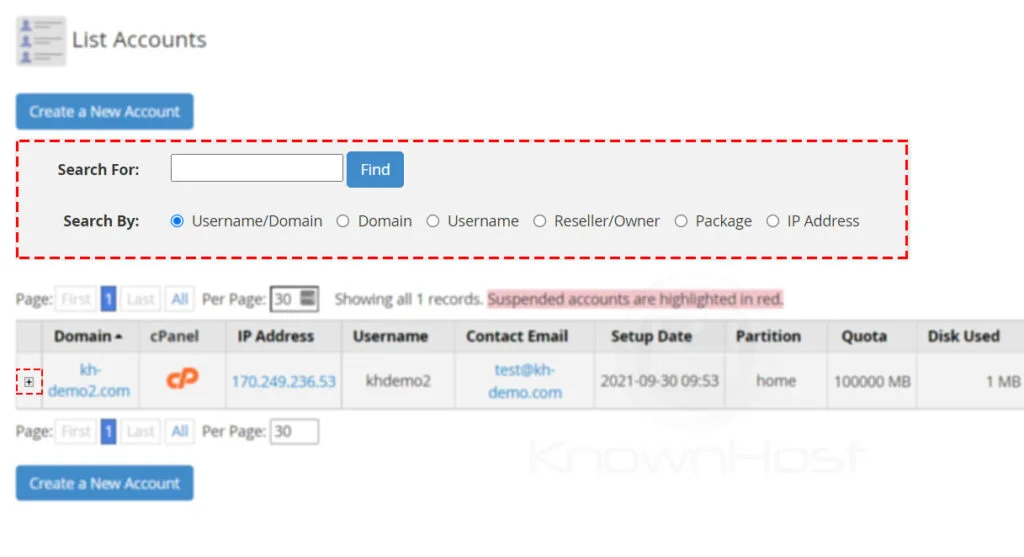
3. Here, you have a list of cPanel account, search for the specific cPanel account using multiple filters. To expand the available options for the cPanel account, click on “+”.
4. Enter the New Password for cPanel account → Click on Change.
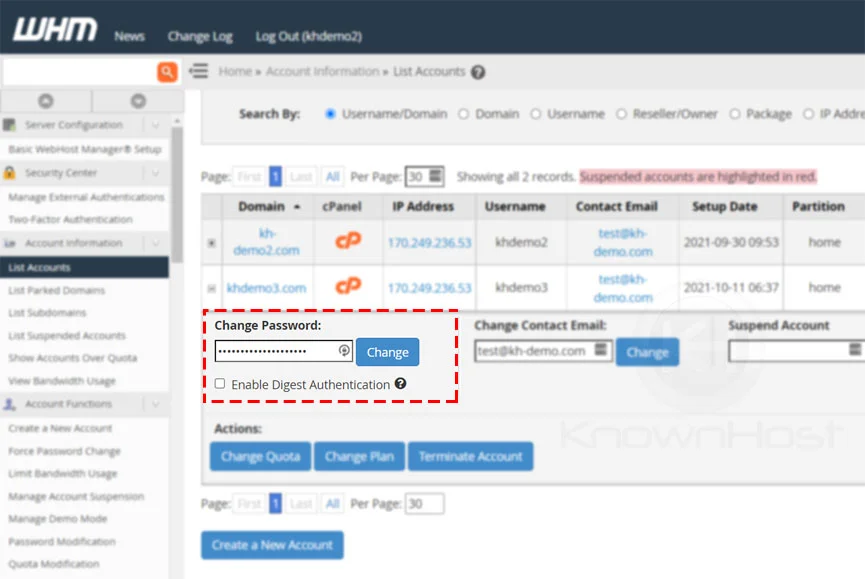
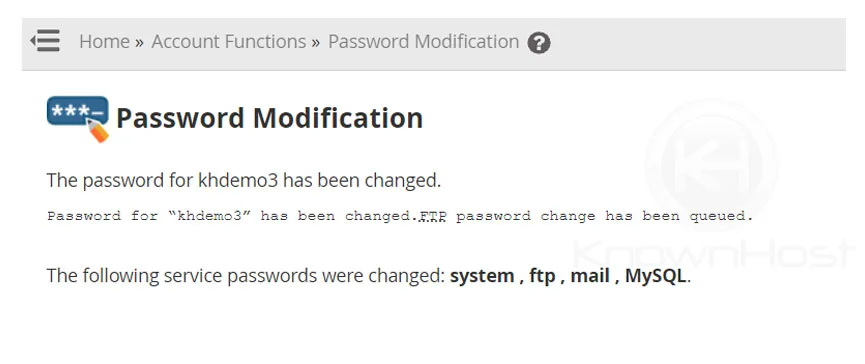
5. Congratulations! You have successfully changed the password of the cPanel account.