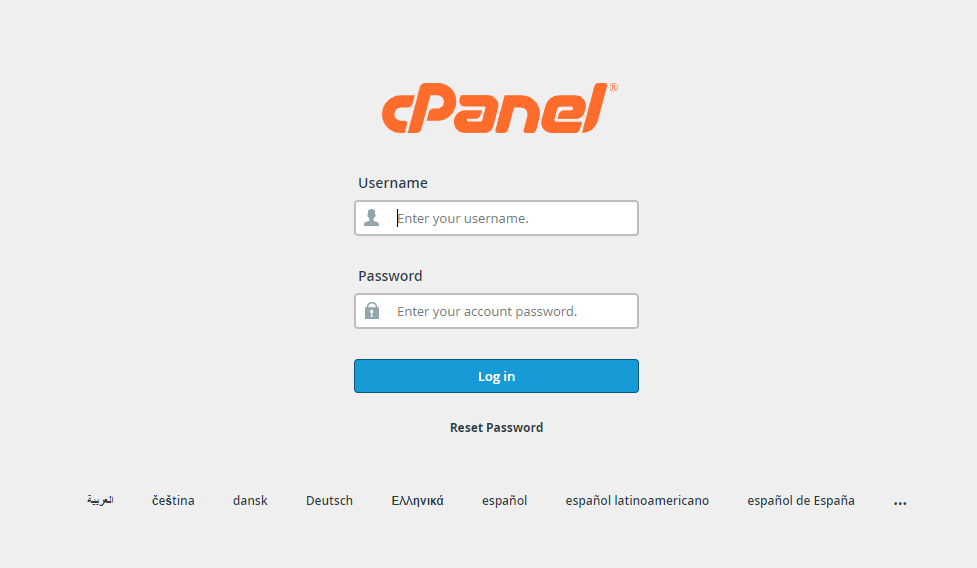
1: Log in to Small World Cpanel https://cpanel.smallworld.ca/
Note: Use Bitwarden password manager extension for the credentials
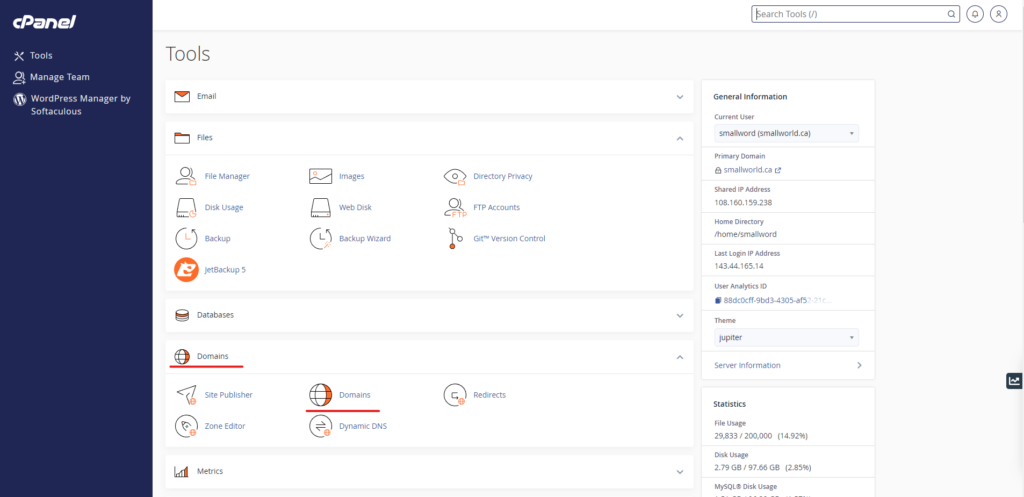
2: Go to Domains on Cpanel Tools
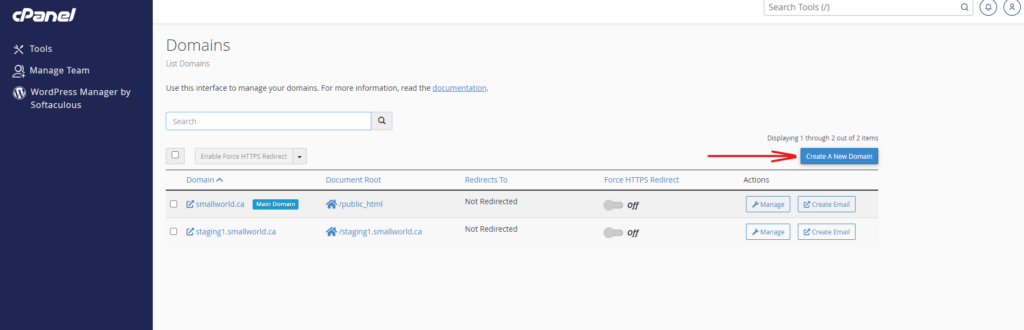
3: Click Create a New Domain
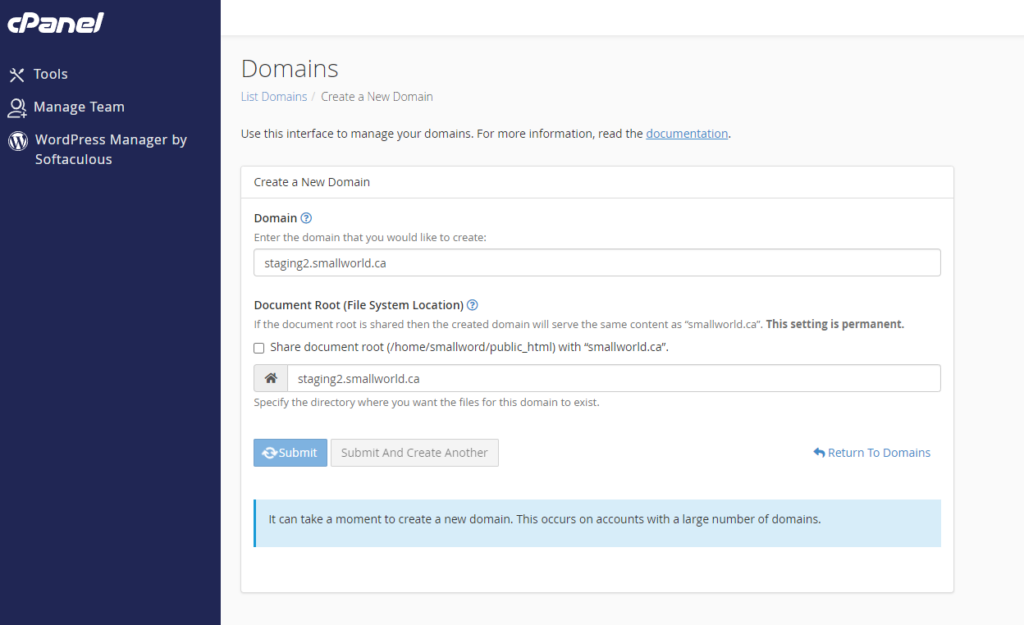
4:
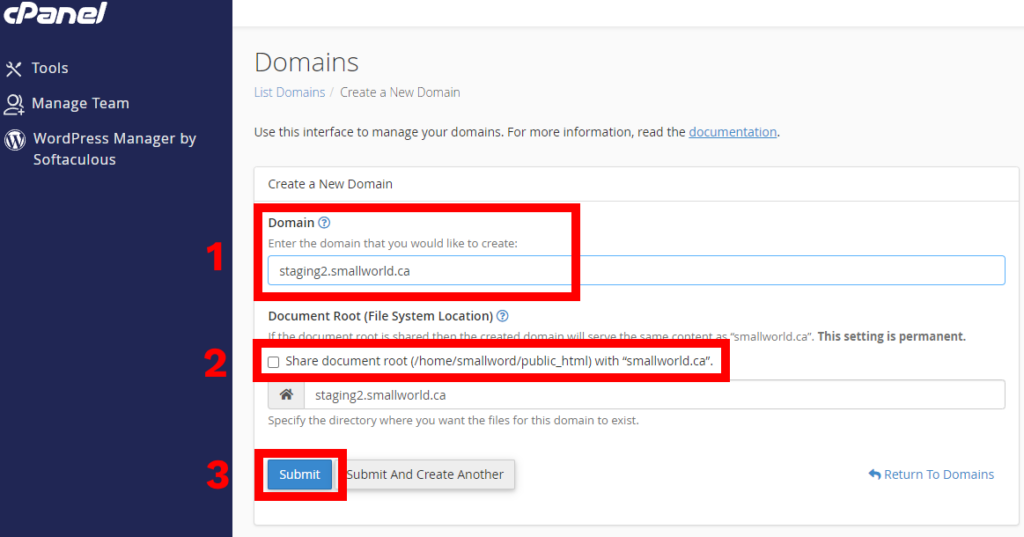
– Input the domain name (example: staging2.smallworld.ca)
– Uncheck the Share document root
– Then click Submit
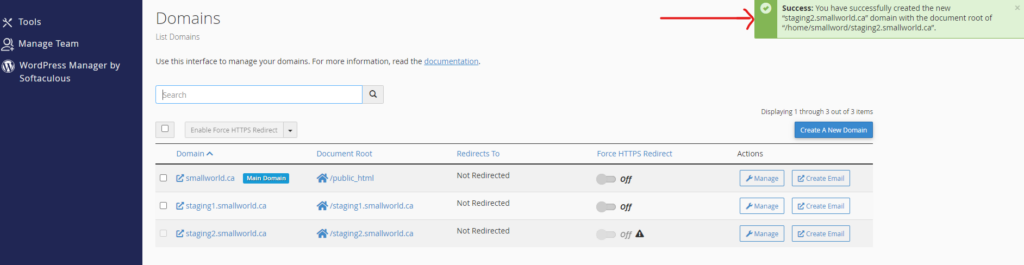
5: Wait on the loading screen and Success Message. Once complete you may now proceed to install WordPress using the WordPress manager tool.