Step 1: Install the Plugin
- Log in to your WordPress dashboard.
- Go to Plugins → Add New.
- Search for “Widgets for Google Reviews by Trustindex”.
- Click Install Now → then Activate.

Step 2: Connect Google Account
- In your WordPress sidebar, open Trustindex.io → Google Reviews.
- Click Connect and log in with your Google Business account.
- Select the business/location you want to display reviews from.

Step 3: Customize the Widget
- Choose a widget layout (list, grid, slider, etc.).
- Customize design options like colors, number of reviews, and sorting.
- Preview the widget to make sure it fits your website style.

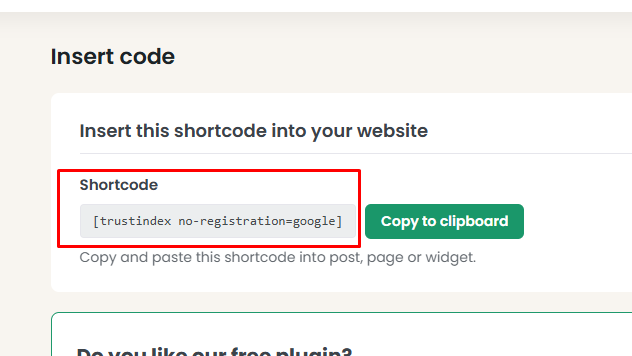
Step 4: Add to Your Site
- Copy the shortcode generated by Trustindex.
- Paste it into a page, post, or Elementor/Block editor section where you want reviews to appear.
- Save and check your site to confirm the widget is showing properly.