
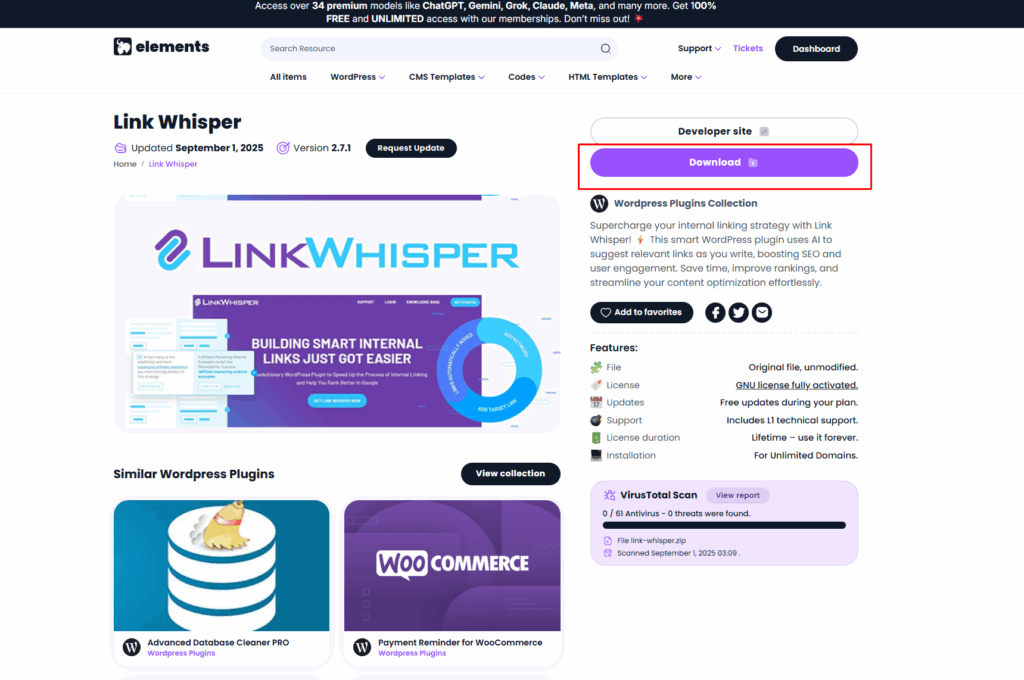
Step 1: Download the Plugin from GNU Elements (https://gnuelements.com/)
- Get the Link Whisper ZIP file from your purchase email or account dashboard.
- Save it to your computer.
Step 2: Log in to WordPress
- Go to your WordPress Admin Dashboard.
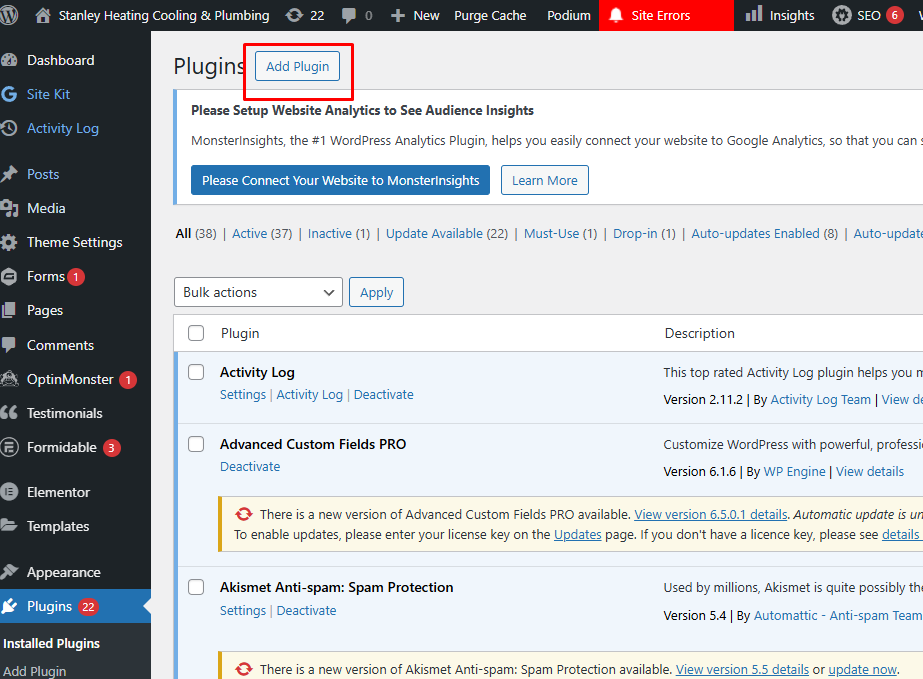
- Navigate to Plugins → Add New.
Step 3: Upload the ZIP File
- Click Upload Plugin (top of the page).
- Select the Link Whisper ZIP file you downloaded.
- Click Install Now.

Step 4: Activate the Plugin
- Once installed, click Activate Plugin.
- You’ll now see Link Whisper in your WordPress sidebar.
- Plugin from GNU has a pre-activated license


