
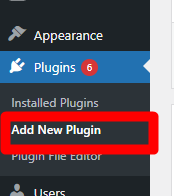
Once logged in to to WordPress, go to ‘Plugins’ dropdown and select ‘Add New Plugin’
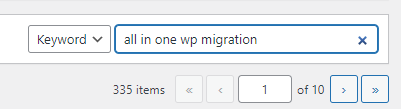
Search for ‘all in one wp migration’ on the search bar
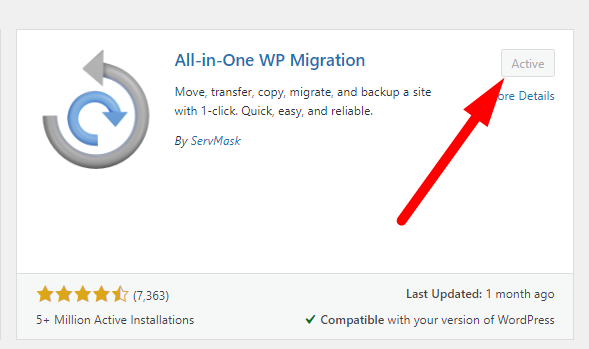
Install the plugin if not yet installed. It will display an active button if the plugin is already installed before
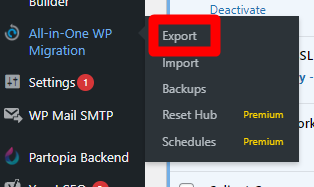
Once done installing, hover your cursor to ‘All-in-One WP Migration’ sidebar and click on ‘Export’
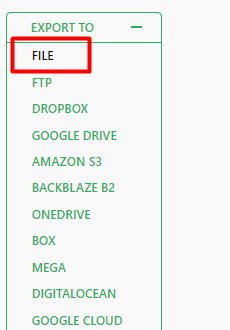
Select ‘File’
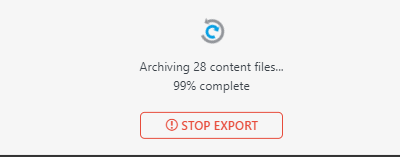
It will prepare its download, wait for it to be finished. Make sure that you have at least 10gb free storage space in your device
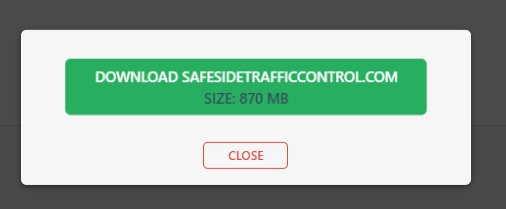
Once done preparing, click on Download. It will start downloading to your device
Open the Website backup folder on the Partopia Company Drive
https://drive.google.com/drive/folders/1n8PvXmrM0dXIT8yBy63FtAQmZUEuJUkL?usp=drive_link
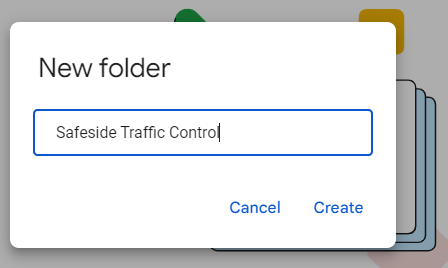
If it doesnt have one yet, create a folder with the Company Name on it.
Upload the website backup to the folder
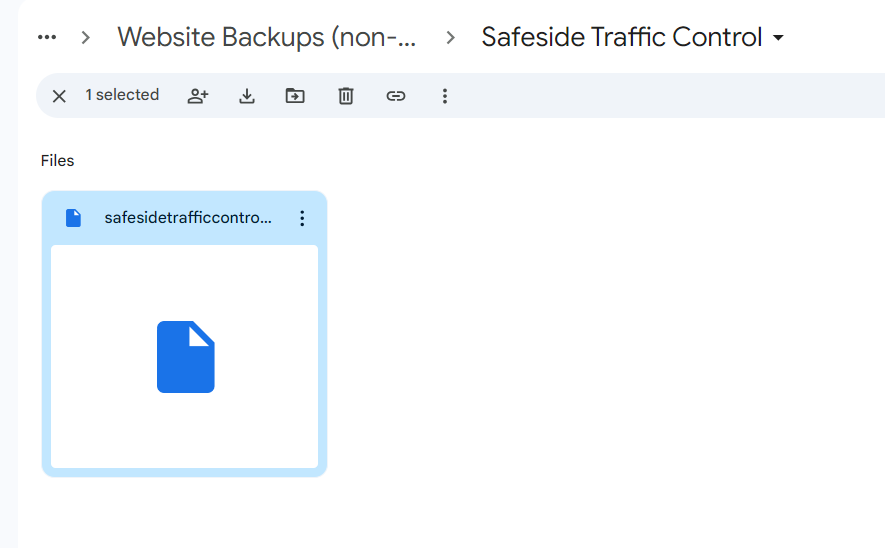
Update monthly and delete the old backup when there is a new one. We are only keeping one backup per site.


