
1. Review customer industry. Search or filter industry on Envato Elements
(example: automotive)
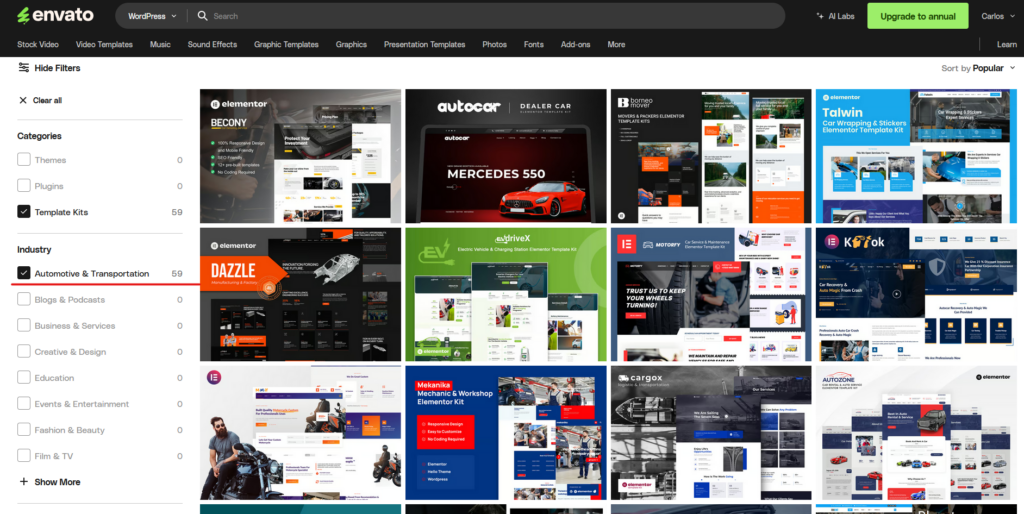
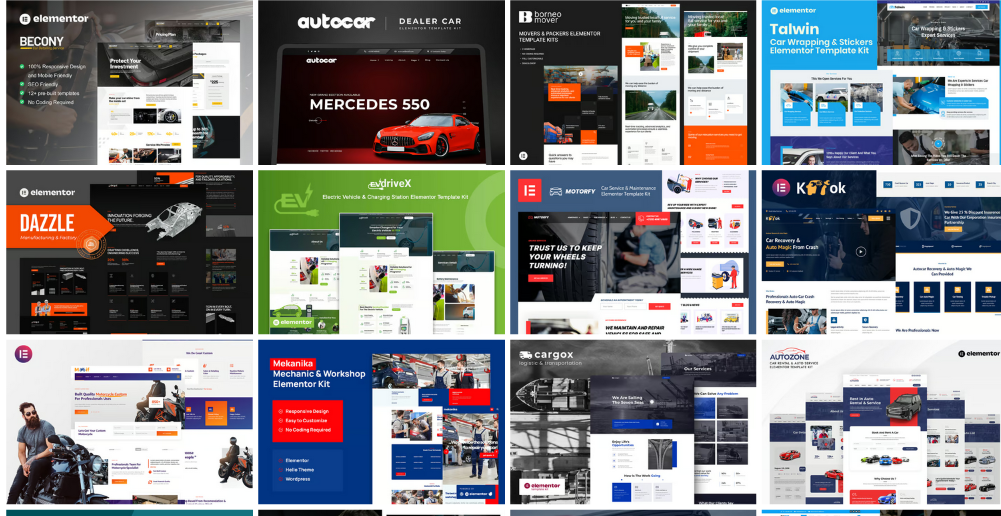
2. Find the three best templates that you think will match the customer’s requests and industry.
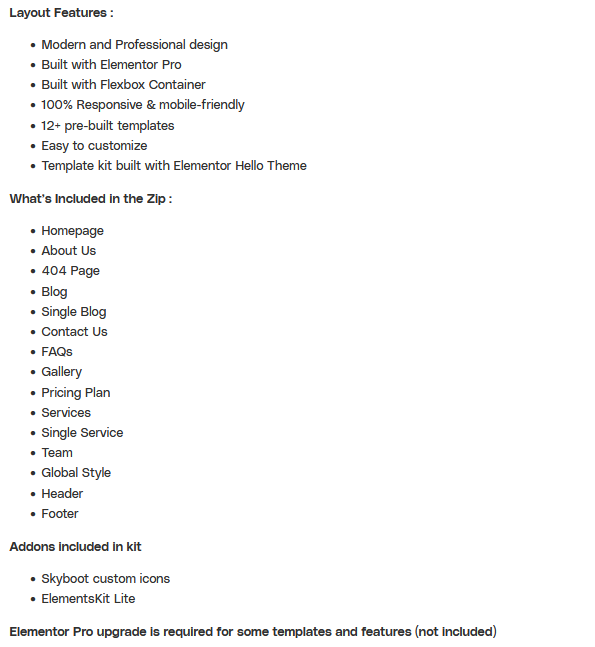
3. Review template kit features and plugin requirements.
Note: Look for a template kit that requires minimal or no additional Elementor Addon plugins to keep the site lighter, as we are already using Elementor Pro.
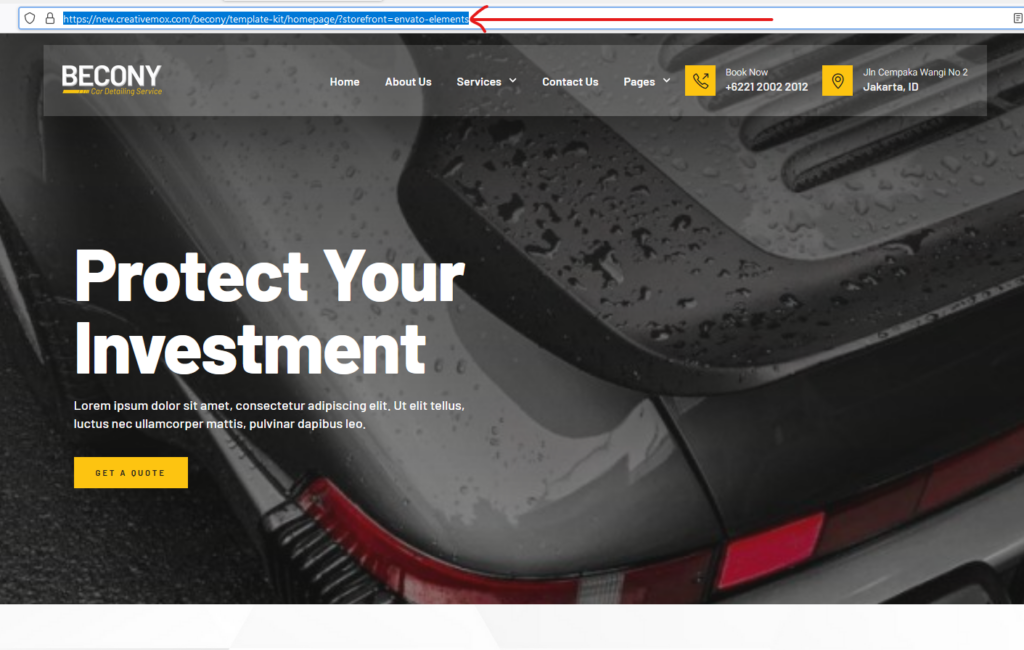
4. Open the chosen kit and check the live preview.
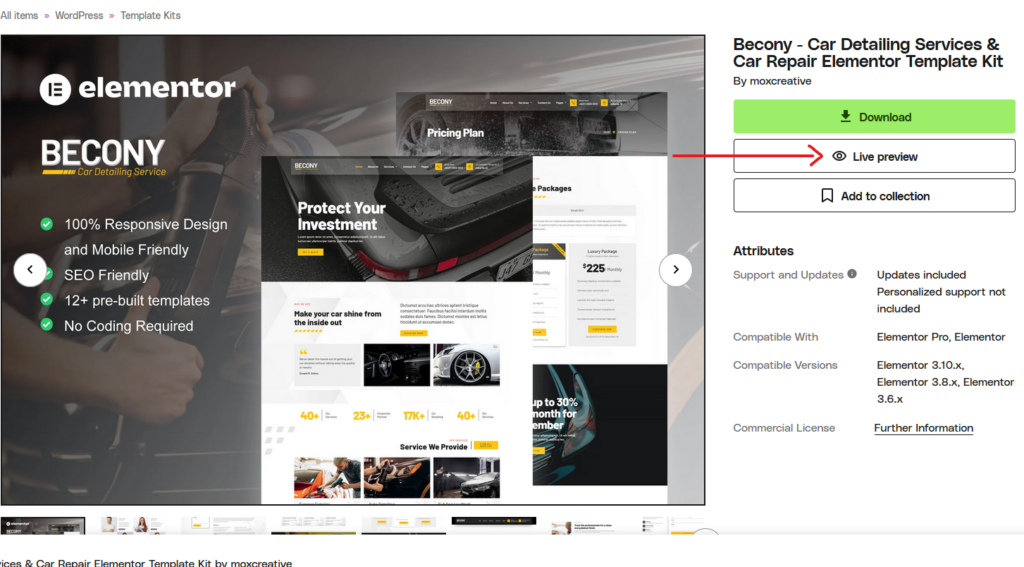
5. Once the template kit matches the customer’s requirements and industry, copy the live preview links of the three best template kits you have selected and send them to Ary for approval.
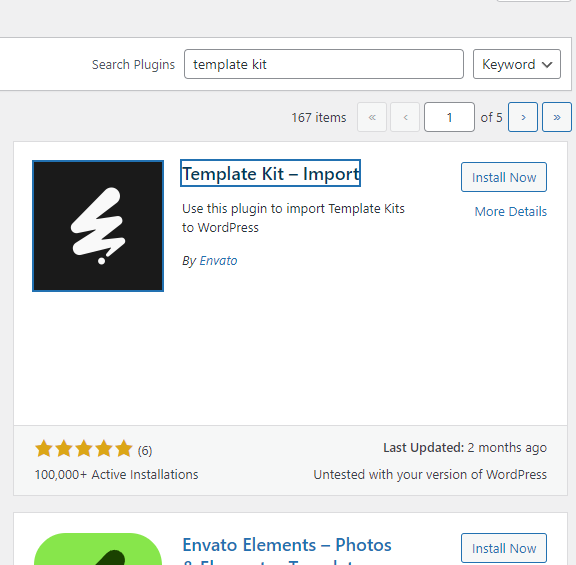
6. To import the template kit chosen by Ary, download the template kit and install the Template Kit Import plugin.
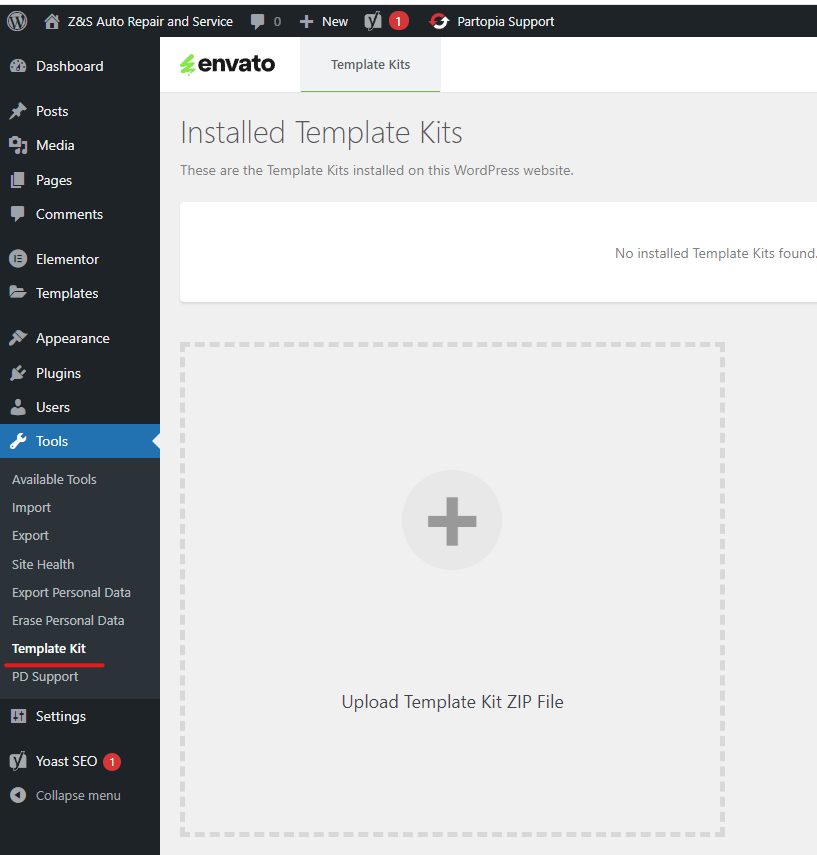
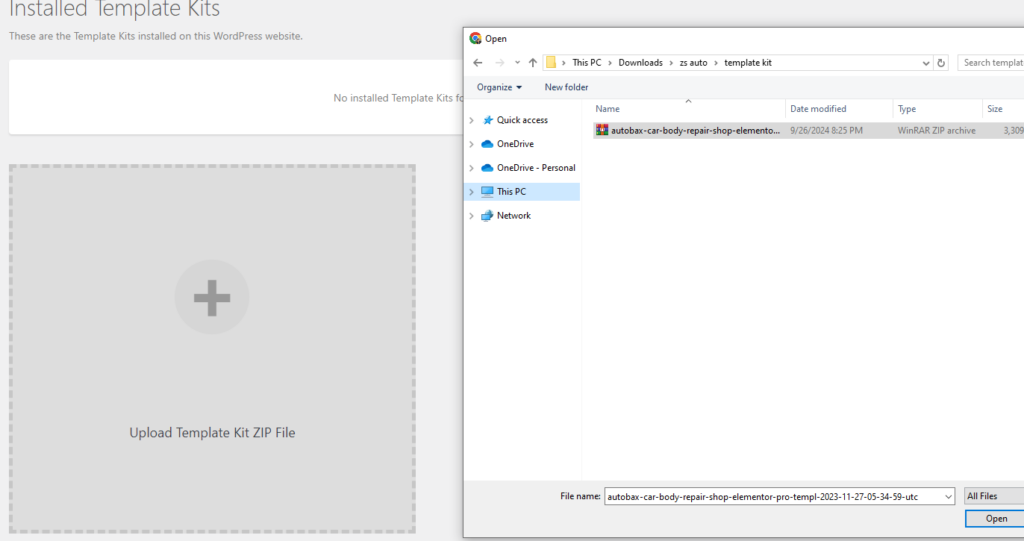
7. Under ‘Tools,’ open ‘Template Kit’ and upload the downloaded zip file from Envato Elements.
8. Once the template kit is uploaded, go to the top-right corner of the page and check the plugin requirements needed to use the template kit.
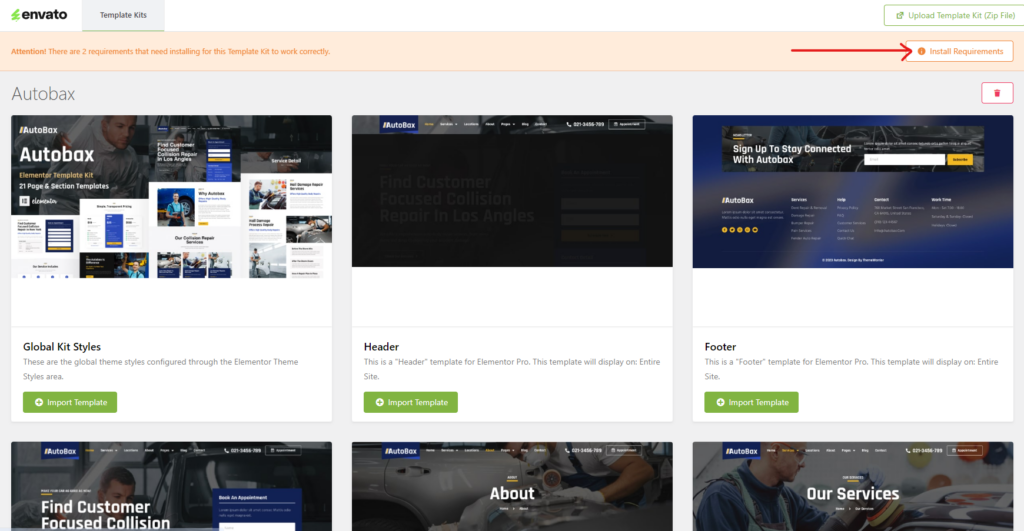
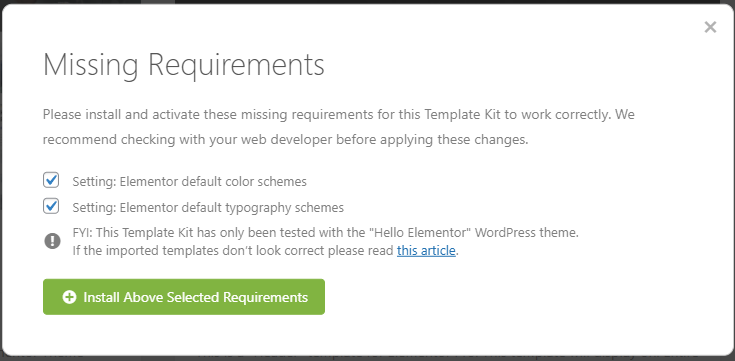
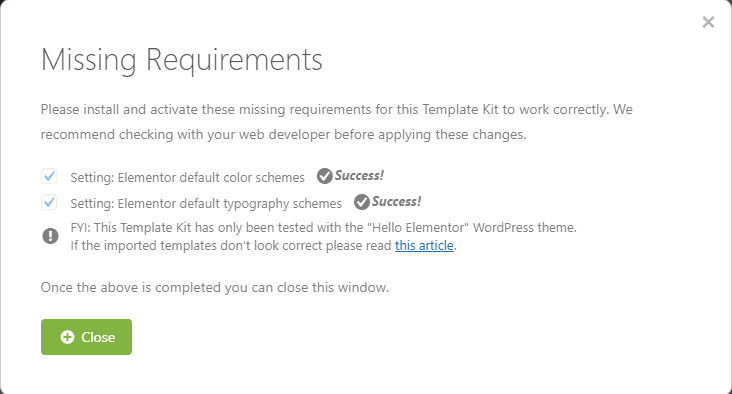
9. Select all the missing requirements and install
10. Import template kits and always start with the Global Kit Style.
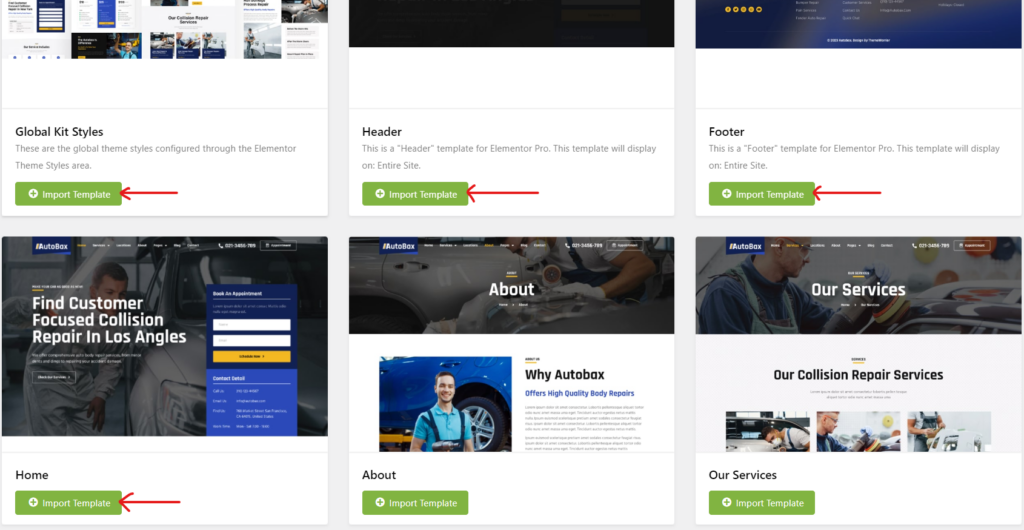
Note: Once you have finished importing the templates, you can proceed to customize the content and elements.


